
Clearly Vape Pen Manual: A Comprehensive Guide
Navigating the world of vape pens can be tricky, especially when it comes to understanding how to use and maintain your device. This guide focuses on the Clearly vape pen, providing a detailed manual covering everything from initial setup to troubleshooting. Understanding your vape pen’s mechanics ensures a safe and enjoyable vaping experience. We’ll cover essential steps, safety precautions, and maintenance tips for optimal performance.
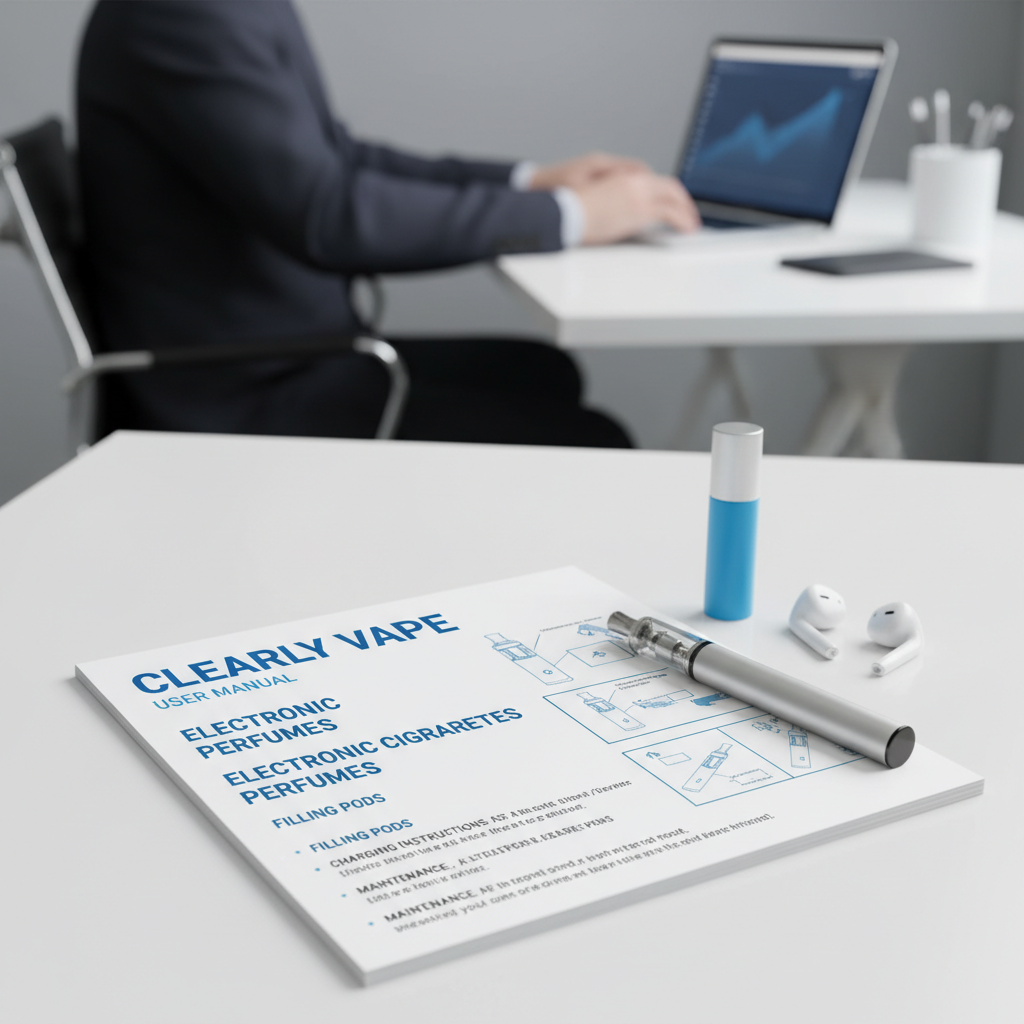
Getting Started with Your Clearly Vape Pen
Before your first use, inspect your Clearly vape pen for any visible damage. Ensure the battery is charged (refer to the charging section below). Most Clearly vape pens are draw-activated, meaning you inhale to activate the device. However, some models may have a power button that needs to be pressed while inhaling. Familiarize yourself with your specific model’s activation method. Always start with a low wattage setting if adjustable, and gradually increase it to your preference. Remember to prime the coil by applying a small amount of e-liquid directly to the coil before filling the pod.
Charging Your Clearly Vape Pen
Charging your Clearly vape pen is straightforward, but following the correct procedure is crucial for battery longevity. Use the provided USB cable and connect the pen to a standard USB port or a wall adapter. A red light typically indicates that the device is charging, and the light will turn green (or off) when fully charged. Avoid overcharging the device, as this can damage the battery. Generally, it takes between 30-60 minutes to fully charge a vape pen, but this can vary depending on the battery capacity. Always use a reputable charger to prevent damage to the device or potential safety hazards.
Charging Best Practices: Use the provided USB cable, avoid overcharging, and use a reputable charger. Regularly check the charging port for debris.
Filling Your Clearly Vape Pen Pod
The process of filling your Clearly vape pen pod depends on the pod type. Most pods are refillable, featuring a small port on the side or bottom. Carefully remove the pod from the device. Using a refill bottle with a fine tip, slowly add e-liquid into the pod, avoiding overfilling. Allow the e-liquid to saturate the coil for approximately 5-10 minutes before using the device. This "priming" process ensures optimal flavor and prevents dry hits. Wipe away any spilled e-liquid to maintain a clean device. Regularly check your pod for leaks, and replace it if necessary.
E-Liquid Considerations:
• Choose high-quality e-liquid from reputable brands.
• Consider the nicotine strength and PG/VG ratio based on your preferences.
• Store e-liquid in a cool, dark place away from direct sunlight.
Clearly Vape Pen Manual: Troubleshooting Common Issues
Encountering issues with your vape pen is common. Here’s a guide to resolving some frequent problems. No Vapor: Ensure the device is charged and the pod is properly filled. Check for airflow obstruction and clean the device if necessary. Weak Vapor: The battery may be low, or the coil may be burnt. Try charging the device or replacing the pod. Leaking Pod: Avoid overfilling the pod, and check for any damage to the pod seals. Burnt Taste: The coil is likely burnt. Replace the pod or coil. Regularly cleaning your vape pen and pods can prevent many of these issues.
Safety Precautions When Using Your Clearly Vape Pen
Safety should always be a priority when using a vape pen. Keep the device away from children and pets. Do not use damaged batteries or devices. Avoid exposing the device to extreme temperatures or direct sunlight. Do not attempt to disassemble or modify the device. If you experience any adverse effects, such as dizziness or nausea, discontinue use immediately and consult a healthcare professional. Refer to the SXZPODS website for detailed safety guidelines.
Conclusion: Enjoying a Safe and Optimized Vaping Experience
By following this Clearly vape pen manual and taking necessary safety precautions, you can ensure a satisfying and trouble-free vaping experience. Regular maintenance and responsible usage will extend the life of your device and minimize potential risks.
Frequently Asked Questions (FAQs)
How often should I replace my Clearly vape pen pod?
The lifespan of a vape pod varies depending on usage and the type of e-liquid used. Generally, it’s recommended to replace the pod every 1-2 weeks, or sooner if you notice a decline in flavor quality or experience a burnt taste. Frequent pod changes ensure optimal performance and prevent the buildup of residue that can affect the taste and vapor production. Consistent pod replacement contributes to a cleaner and healthier vaping experience. For more details, check out SXZPODS.
What does it mean if my Clearly vape pen is blinking?
A blinking light on your Clearly vape pen typically indicates a specific issue. The meaning of the blink varies depending on the device model. Common indications include a low battery, a pod connection problem, or a safety error. Refer to the user manual for your specific model to understand the blinking code. Often, simply recharging the device or re-inserting the pod will resolve the issue.
Can I use any e-liquid with my Clearly vape pen?
While most Clearly vape pens are compatible with standard vape e-liquids, it’s best to check the manufacturer’s recommendations. Some pens are specifically designed for certain types of e-liquid, such as nicotine salts or CBD blends. Using the wrong type of e-liquid can damage the device or affect its performance. Always use high-quality e-liquid from reputable brands to ensure a safe and enjoyable vaping experience. Explore options on SXZPODS.
PREV:
Elevate Your SensesLatest News
-
Essential Select Vape Pen Charging Instructions for Battery Life
NewsApr.16,2026 -
Mastering Your Device with Essential o pen vape instructions
NewsApr.09,2026 -
Comprehensive Mist Vape Pen Instructions for Optimal Vaping Experience
NewsApr.07,2026 -
Comprehensive Hybrid Vape Pen Instructions for Optimal Performance and Safety
NewsApr.04,2026 -
Comprehensive Purple Vape Pen Instructions for Safe and Enjoyable Use
NewsMar.31,2026 -
Comprehensive In House Vape Pen Charging Instructions for Optimal Performance
NewsMar.28,2026